eFootball PES 2027 PPSSPP Download for Android
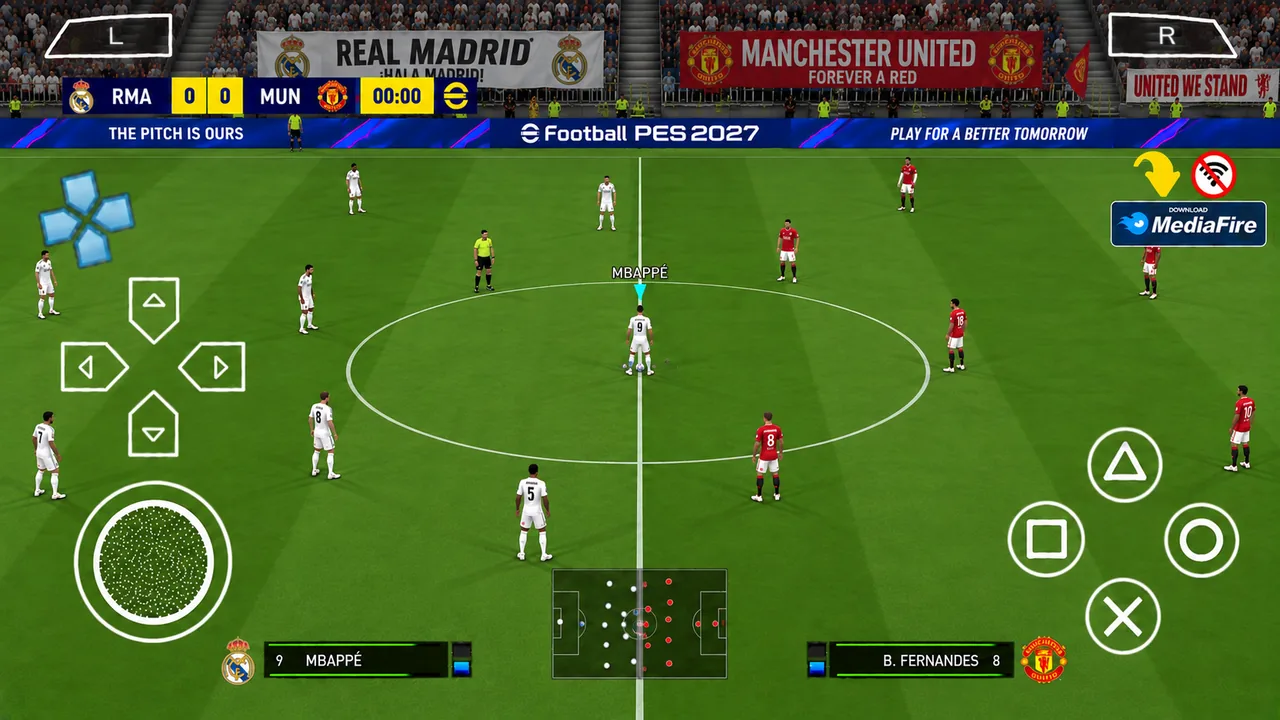
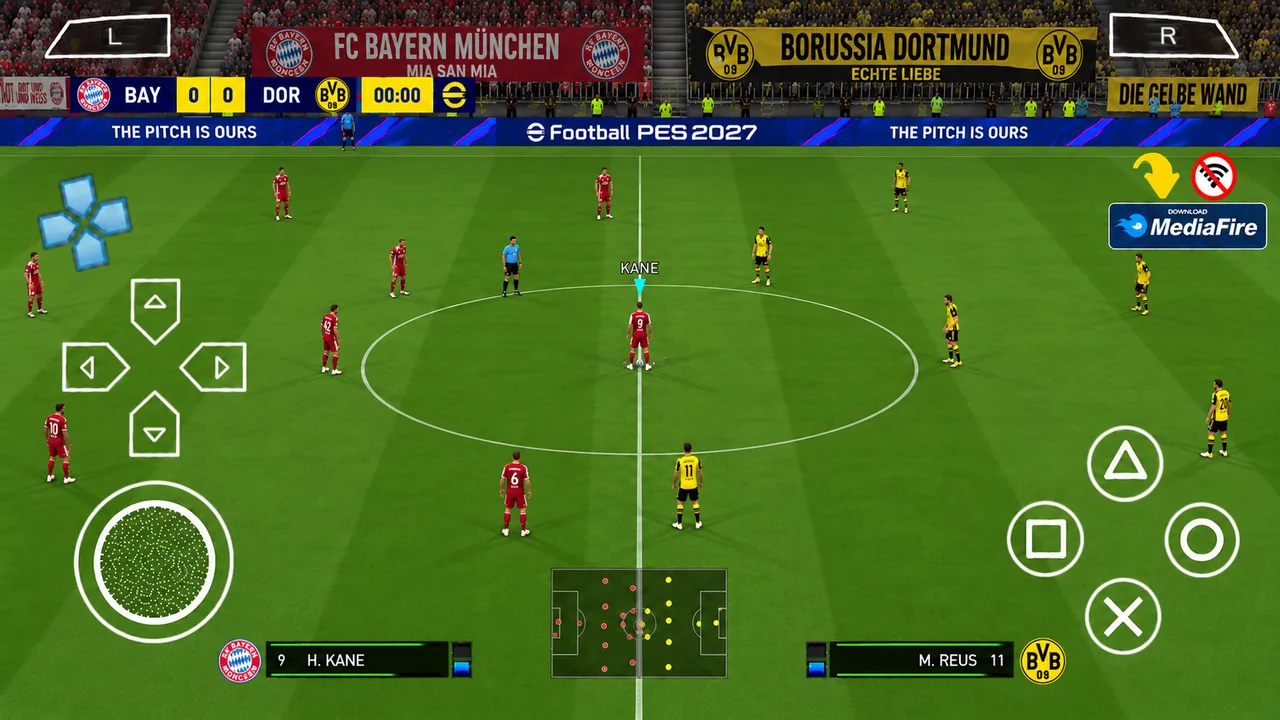
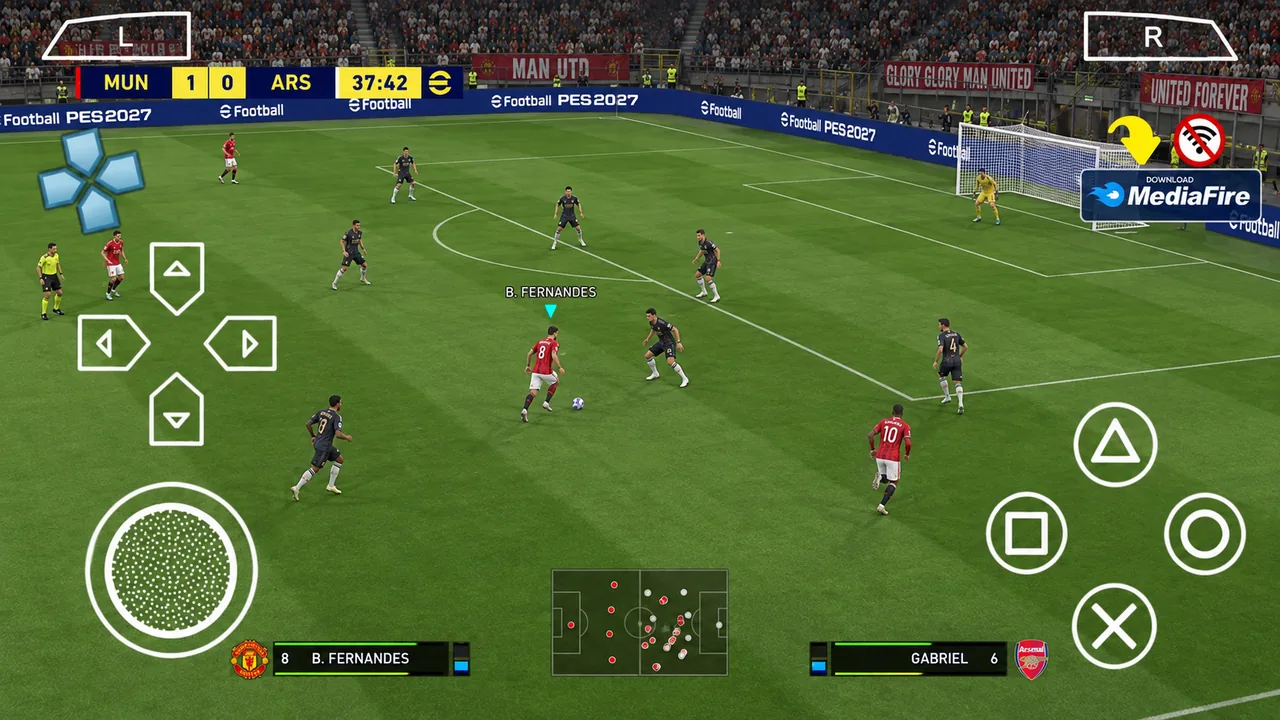
A fan-made PES/PPSSPP football update built around the 2026/27 season, with refreshed squads, kits, player faces, HD presentation and a modern eFootball-inspired interface.

A fan-made PES/PPSSPP football update built around the 2026/27 season, with refreshed squads, kits, player faces, HD presentation and a modern eFootball-inspired interface.
eFootball PES 2027 PPSSPP is a community-made football modification presented for the PPSSPP ecosystem. The concept keeps the familiar PES-style gameplay while refreshing the presentation for the 2026/27 season — making it feel much closer to a current football title on Android.
The update focuses on the parts players notice immediately: modern menus, updated squads and transfers, new club and national-team kits, improved player faces, HD textures, stadium presentation and a PS5-inspired camera style on supported builds.
Because this is a fan-made mod rather than an official Konami release, exact features can vary by build. The files on this page are organized as a game package, a Save Data package and a Textures package so the installation is easier to understand.
The practical target is more important than a single advertised “minimum.”
| Operating system | Android 8.0+ recommended for a modern setup |
| RAM | 3 GB is a practical lower target; 4 GB+ recommended |
| CPU | Quad-core or better; a mid-range octa-core chip is preferable |
| Graphics | Vulkan-capable GPU recommended for smoother rendering |
| Free storage | Keep at least 4 GB free for archives, extracted files and temporary space |
| Emulator | PPSSPP (standard or Gold) |
Optimized presentation for mobile football fans.
Swipe horizontally or use the arrows. Screenshots change automatically.
Simple separation: game files first, required apps second.
No. This page refers to a community-made PPSSPP modification built around a PES PSP base. It should not be confused with the official eFootball mobile release from Konami.
Yes, the PPSSPP format is designed to run through the PPSSPP emulator on Android. Actual performance depends heavily on your phone's CPU/GPU, RAM, emulator settings and the graphics packs used.
The PSP/PPSSPP game itself is generally used as an offline experience after the files are installed. The download process on this website is separate from the gameplay experience.
The three packages are separated to make installation easier: the Game ISO/Base File contains the main game, Save Data contains the saved/update data, and Textures contains the visual assets.
PPSSPP is the emulator used to run the PSP game. ZArchiver is an archive/file-management tool used to extract the downloaded packages. They are applications, not game files.
Try Vulkan on supported devices, keep frameskip off when possible, and reduce rendering resolution. Higher resolutions and heavy texture packs can increase GPU and memory load.
Your download mirrors are ready. Continue to the secure gateway.
Start the secure gateway and wait for the full 15-second countdown. When it finishes, you will be taken directly to the clean download area with the installation video and all game files.
Watch the installation guide, then use the game-file buttons below. The final download area is kept simple and easy to use on mobile.
Watch the installation and setup steps before downloading the game files.
Game ISO/Base File + Save Data + Textures
These are applications — they are not part of the three game download files above.